Concept storefront · Figma to Shopify
AURA / 01
A one-product headphone storefront built around two finishes and a clear path to the bag.
Independent training project · Sample storefront
The live demonstration may ask for visitor access. The saved preview and case evidence are available below.
Project details
- Objective
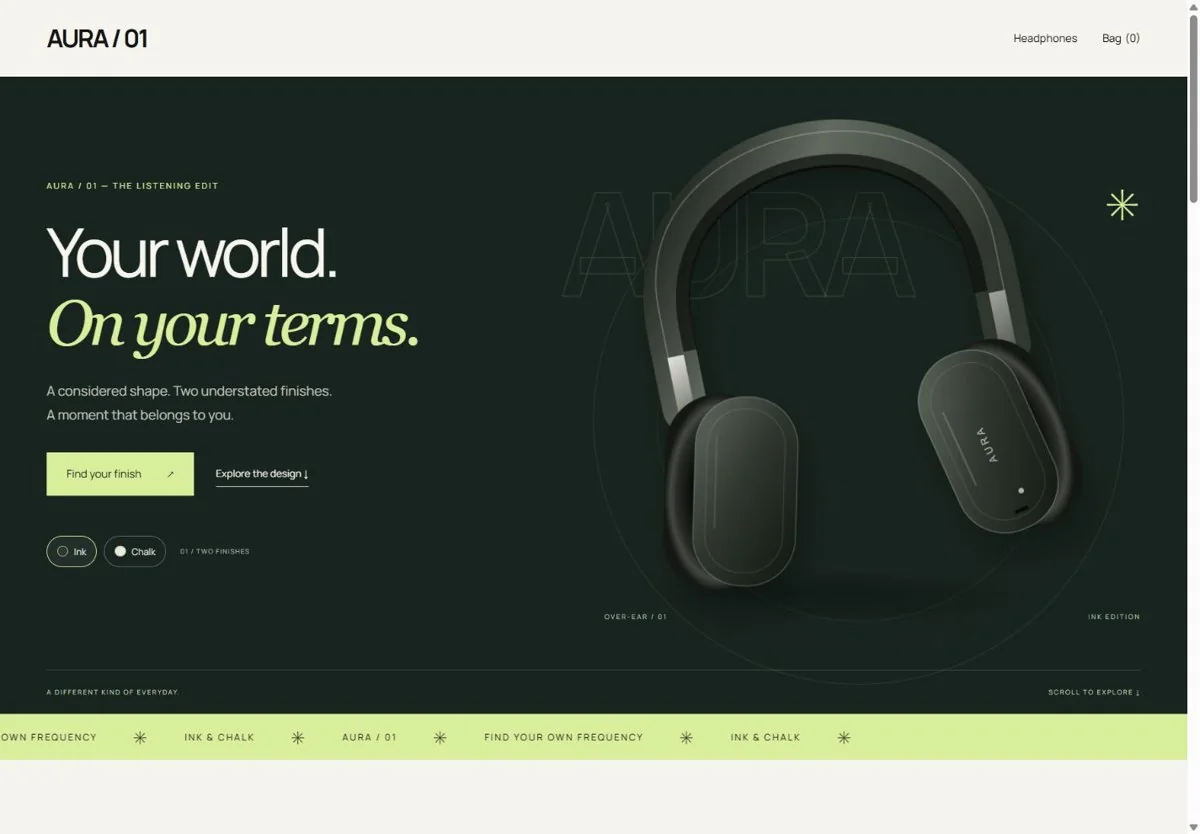
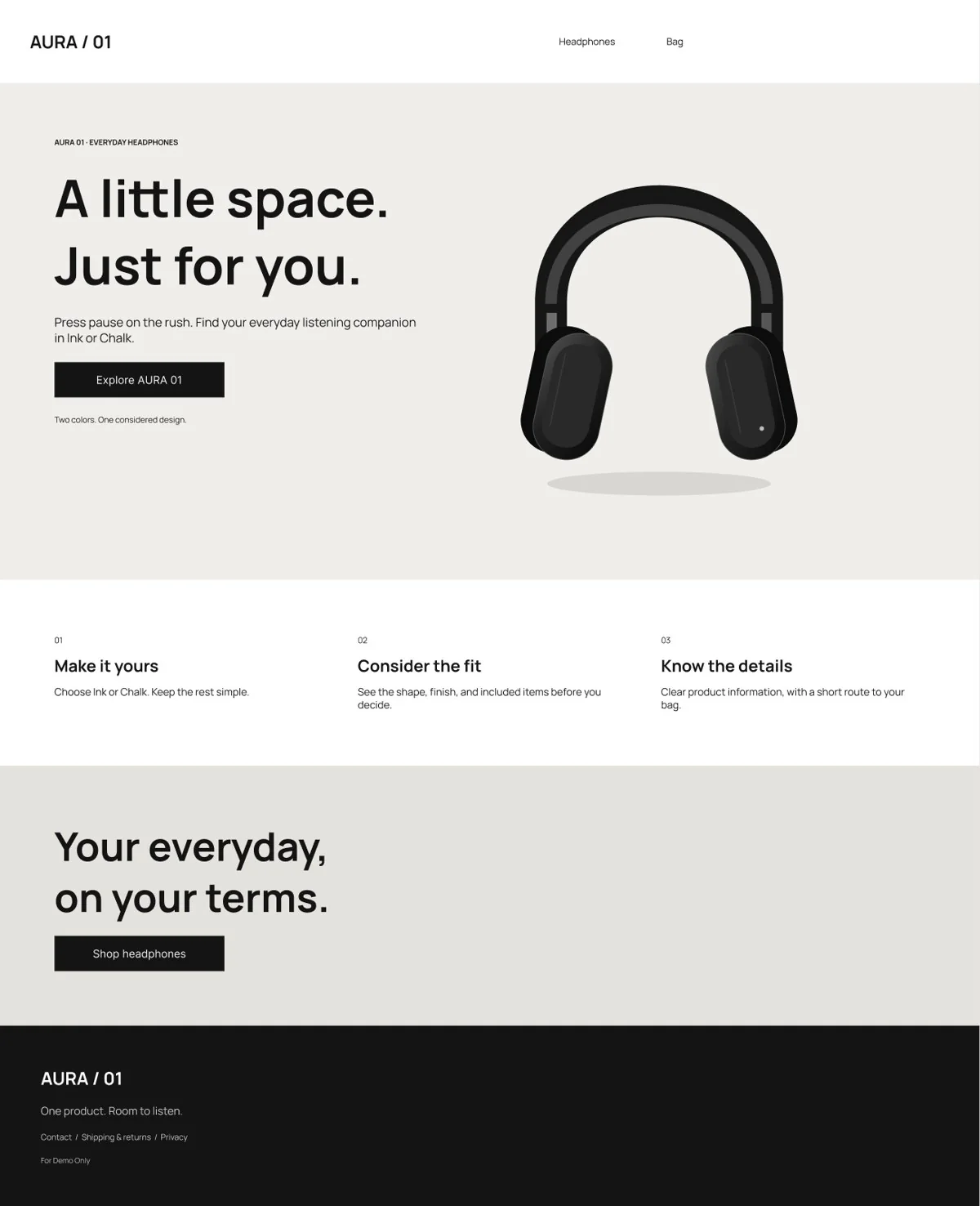
- I translated a monochrome Figma shopping flow into a Shopify concept store with a distinct visual identity. The goal was to make the headphones, finish options, and cart easy to understand.
- Responsibilities
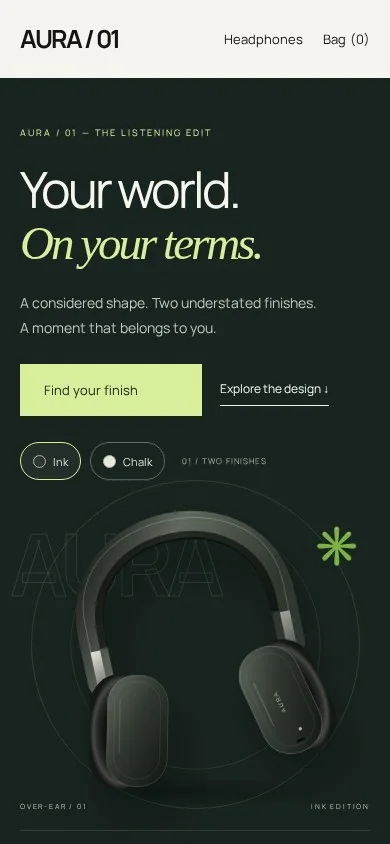
- I mapped the desktop and mobile flows, designed the storefront, created the vector product artwork, customized the Shopify theme, and checked variant and bag states.
- Design approach
- Large product artwork establishes the hierarchy. Ink and Chalk finish swatches connect to Shopify’s variant selector, while expandable specifications keep the main product page easy to scan.
- Implemented features
- Two finish previews, native Shopify variant data, expandable details, quantity updates, item removal, and an empty-bag state.
- Tools and technologies
- Figma, Shopify, theme code, and vector artwork.
- Challenge
- The single-product presentation needed an expressive visual story and a short path to purchase.
- Solution
- I kept product options and bag controls close to the purchase decision, then used changes in scale and color to structure the longer product story.
- Documented outcomes and lessons
- The published case study records desktop and mobile prototype states and a storefront build. This exercise helped me connect design states to Shopify product data.